

Running a Project
Once your project has been setup it’s time to run it.
We use Power BI to see how our projects are performing.
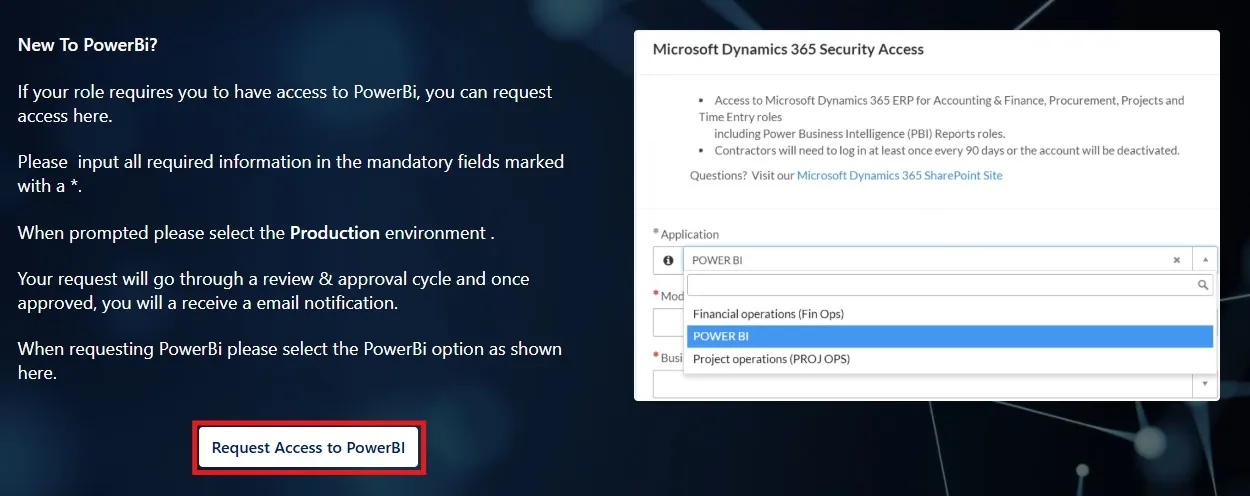
Prior to using Power BI you will need to request access using a DASH Ticket here.
Information that can be obtained through Power BI includes:
- Project hours by day/week & employee
- Project actual cost details
- Project WIP report
- Capital expenditure report
Additional information on Power BI can be found on the information site here.
Refer to project tracking section of Project Initiation for tracking template
Hours tracking
Section titled “Hours tracking”It is sometime crucial to track hours week-by-week for a project, rather than waiting until the end of the month to consolidate hours spent. If you want check who has been booking what hours at any point in time for your project, you can get the latest hours export using PowerBI:
PowerBI TS02 Project Hours Report of project hours per employee